AI-Powered Descriptions
for Your Media
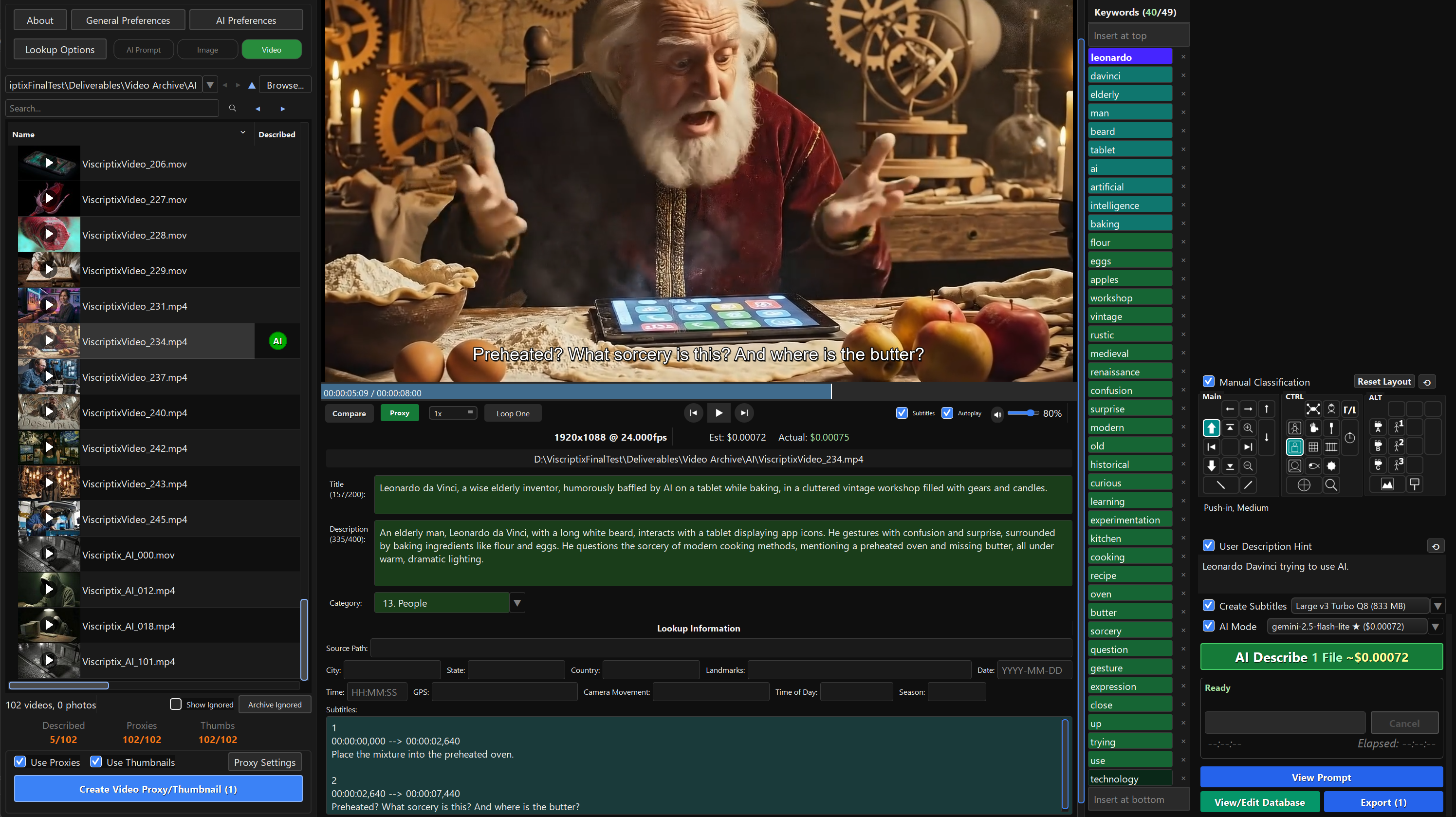
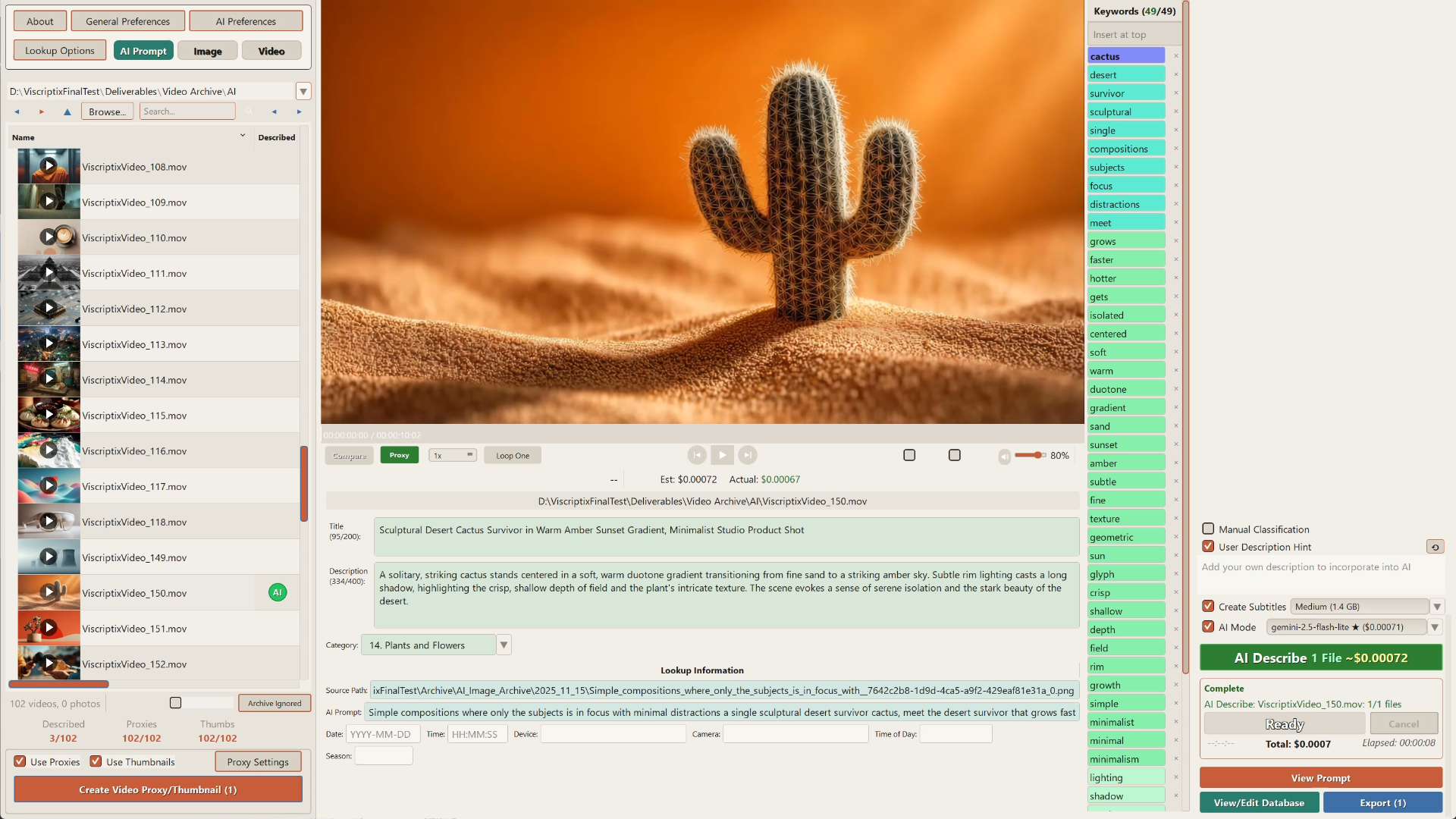
Generate professional descriptions and keywords for your videos and images in seconds. Completely free with Ollama, or under a tenth of a cent per description with Gemini and OpenAI.
Windows, macOS & Linux · Source code on GitHub
Everything You Need
Multiple AI Models
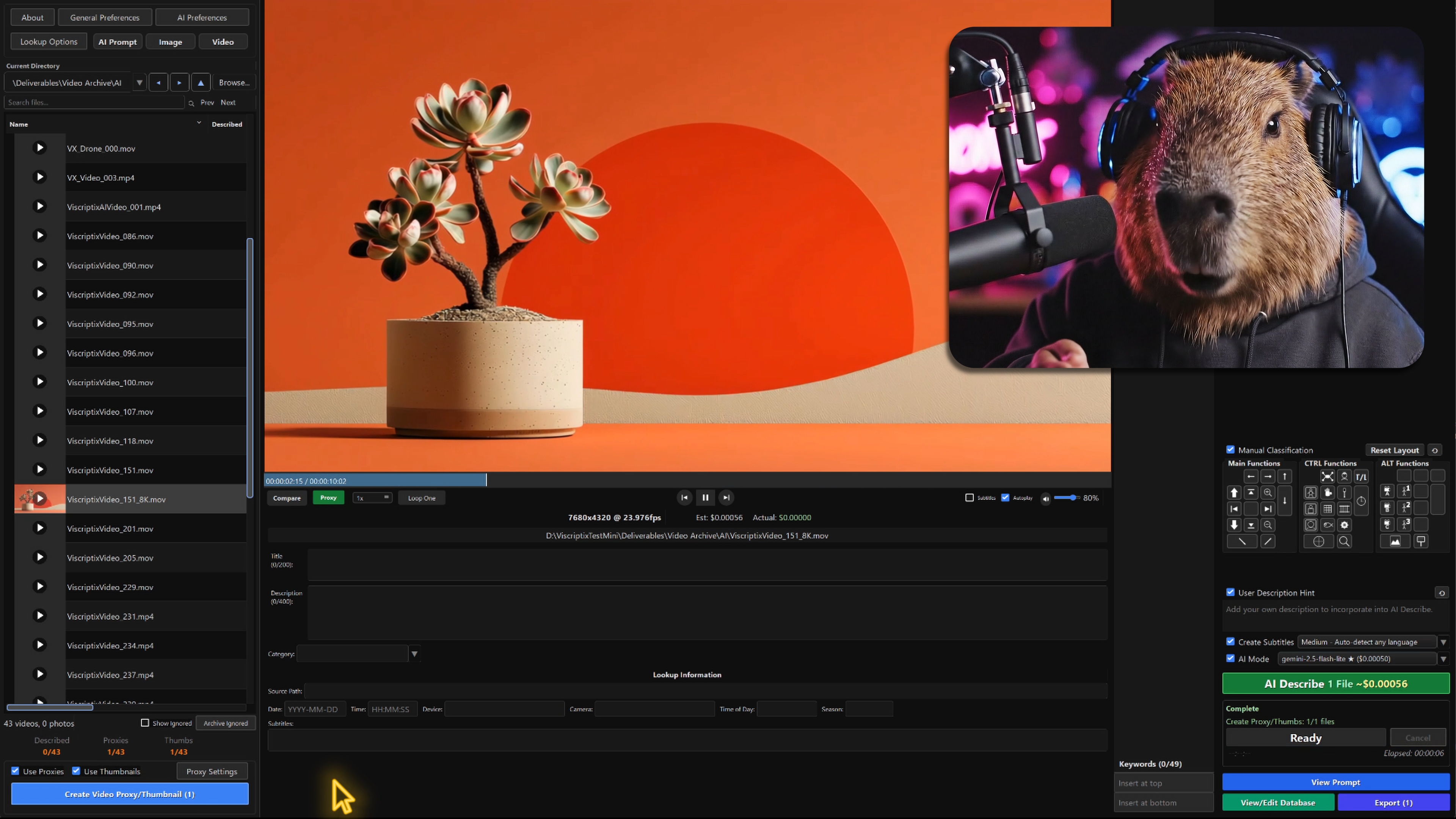
Compare results across Gemini, OpenAI, and local Ollama models. Pick the best fit for your workflow and budget.
DJI Drone Workflow
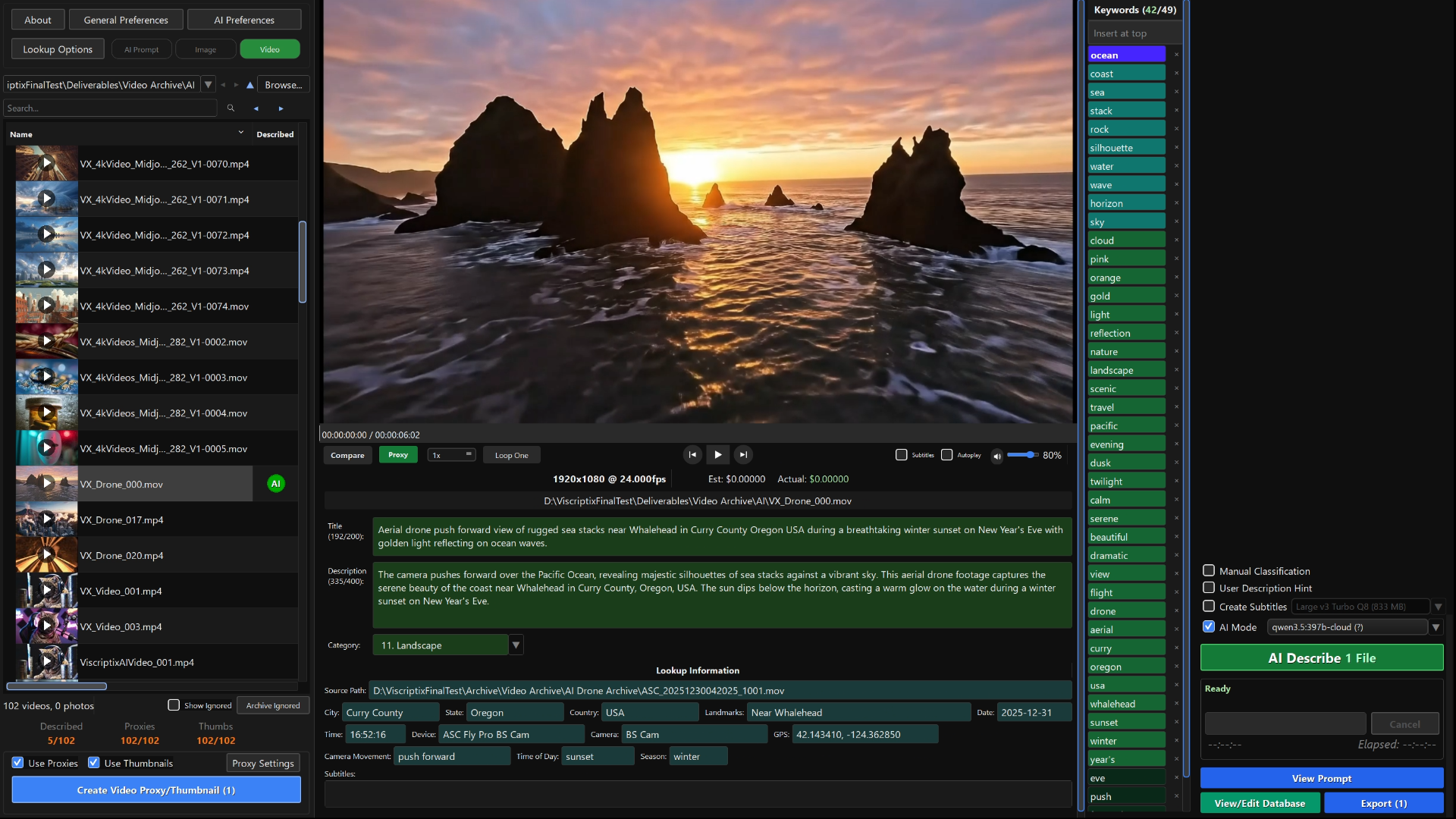
Extract telemetry segments and GPS data from full-length source videos. Optical flow analysis automatically describes camera movement, location, time of day, and landmarks.
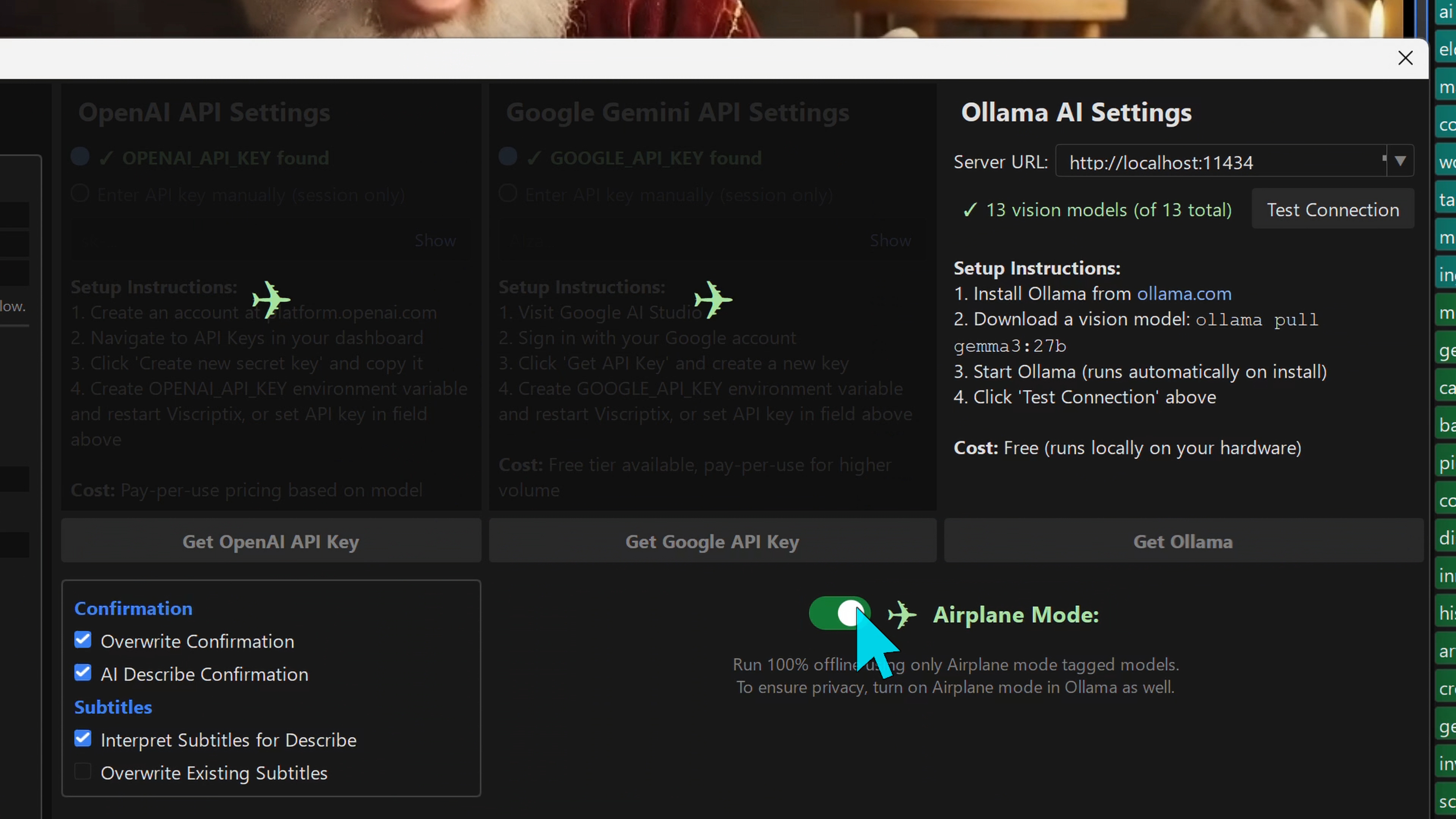
Airplane Mode
Works fully offline with local Ollama models, Whisper subtitles, and a built-in geolocation database. No internet required — your media never leaves your machine.
Free Subtitle Generation
Transcribe and generate subtitles in 99 languages with automatic translation to English. Powered by Whisper, runs locally at no cost.
Reverse Lookups
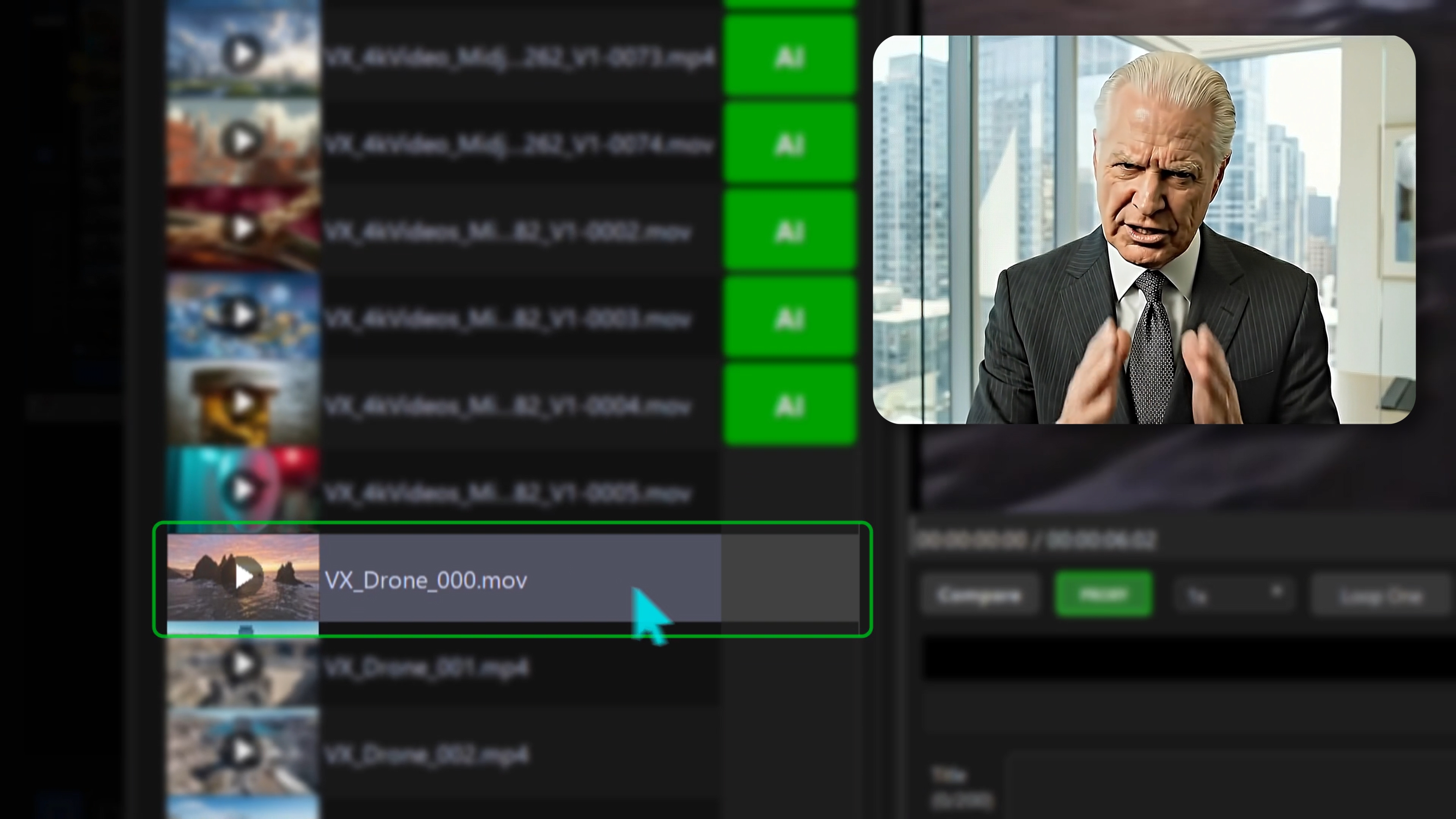
Advanced algorithms match color-corrected and cropped media back to their source files, automatically extracting GPS location, AI prompts, and camera settings.
AI Lookups
Automatically incorporate original AI prompts when describing AI-generated images and video.
Agency-Ready Export
CSV files formatted for all major stock platforms.
Manual Classification
Bind common classifications to hotkeys for quickly adding context across large batches of media.
Frequently Asked Questions
What AI models does Viscriptix support?
Viscriptix works with Google Gemini, OpenAI (GPT-4o, GPT-4.1, GPT-5, and more), and any Ollama-compatible local model. Use your own API key or run models locally with Ollama at no token cost.
Can I create AI descriptions offline?
Yes, if you use Ollama and run your own local models, you can turn on airplane mode and create complete descriptions, including locations, landmarks, and subtitles completely offline.
How much does it cost per description?
With Ollama, it's completely free. You can run your own models locally or use Ollama cloud with a free Ollama account. With Gemini and OpenAI, costs vary by model — the cheapest options are under $0.001 per description. You pay the API provider directly; Viscriptix adds no markup.
Is Viscriptix really free?
Yes. Viscriptix is free and open source under the Apache-2.0 license. There are no license keys, trials, or payments — download it and use every feature. The full source code is available on GitHub.
How does subtitle generation work?
Viscriptix includes a medium int8 Whisper model for precision subtitle transcription, running locally on your machine — no cloud upload, no cost. It supports transcription in 99 languages with automatic English translation. You can also bring your own Whisper models by placing them in the model path configured in AI Preferences.
Does Viscriptix charge a subscription or tokens?
No. Viscriptix is free and open source, with no subscription or token fees. However, if you use a Gemini or OpenAI API key, you are still subject to their standard token pricing.
Why is the installer so large?
Viscriptix bundles two sizeable offline resources. The first is a medium int8 Whisper model (~834 MB) for precision subtitle transcription — you can swap in other Whisper models via the model path in AI Preferences. The second is a worldwide geolocation database covering cities, landmarks, and park boundaries, so location lookups work entirely offline without sending your GPS data to an external service.
What happens to my API keys?
Viscriptix reads API keys from your system environment variables and never stores them itself. You can enter keys in the preferences for the current session, but they are held in memory only and must be re-entered after restarting the application. Keys are sent directly to the AI providers — Viscriptix never routes them through any intermediary server.
Can I use it without AI?
Yes, Viscriptix can generate simple descriptions directly from image, video, or .SRT-based metadata without using any AI. For example, you can turn off AI mode and use it on your source media archive to generate a searchable database of GPS location, camera settings, DJI Drone camera movement, and subtitles.
What file formats are supported?
Viscriptix supports most image and video formats, including JPEG, PNG, TIFF, WebP, MP4, MOV, AVI, and more. Raw camera formats (CR2, NEF, ARW, DNG, etc.) and SVG vector files are also supported.
What is the point of doing lookups? How do they work?
Viscriptix uses a custom-built algorithm that is very good at matching images and videos quickly, even if they have been cut, cropped, and/or color corrected. This requires building an index of your archives up front. You can give it a few seconds of video extracted from a longer video and it will find the source video, frame offset, and extract telemetry. This allows you to "look up" and use metadata from source files.
Does Viscriptix enforce the single-word keyword rule?
By default yes, but it is optional.
Do you provide an API for automated pipelines?
Coming soon in an upcoming version.
Why is Viscriptix doing so much heavy lifting on my CPU? Is this why my lookups are slow?
There are several actions that Viscriptix performs which are heavy-duty operations. For example, hash index building (building searchable databases of images/videos), hash index lookups (matching deliverable media to source media for metadata lookup), subtitle generation (uses OpenAI Whisper models), and optical flow (combined with telemetry information to describe camera movements for DJI drones).
Can I submit AI-generated metadata directly to stock agencies?
All metadata generated by Viscriptix is an AI-assisted suggestion — you are responsible for reviewing and verifying descriptions, titles, and keywords before submitting them to stock agencies.
Where can I get support or report a bug?
Head to our GitHub Issues page to report bugs, request features, or ask questions.